The Track List Your Download Folder Forgot: A Collector's Guide to Subtitles, SDH, and Audio Description
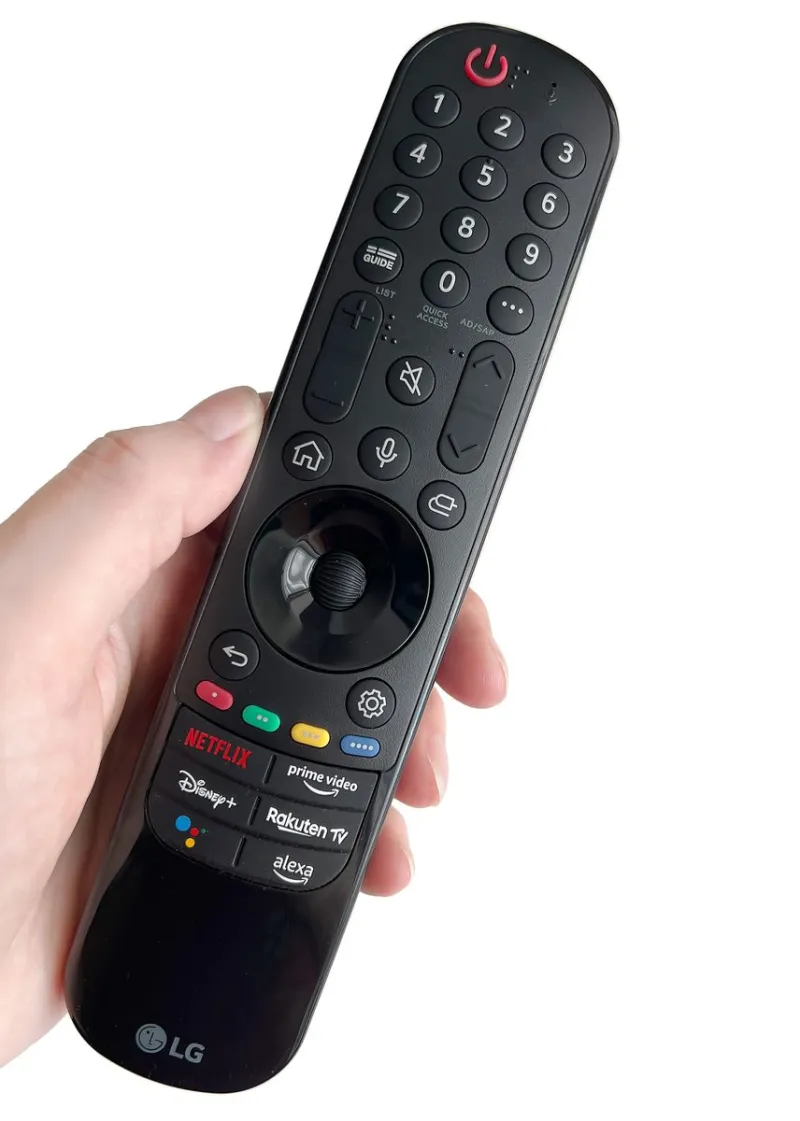
Photo: remote control subtitle captions on television screen living room, via www.remote-control-world.eu
There is a quiet hierarchy in collector forums. Resolution sits at the top, bitrate just beneath it, and somewhere near the floor — next to the file nobody opens more than once — lives the subtitle track. That ranking is backwards.
A 4K remux with a gorgeous image and a busted subtitle stream isn't a complete download. It's a very pretty dead end. If someone in your household needs captions to follow dialogue, that file is effectively broken. If a neighbor keeps the volume down after 10 PM, it's broken for them too. Accessibility tracks are the quiet stress test that separates a real collection from a folder full of screenshots.
What 'complete' actually means
Ask ten collectors to define a complete file and you'll get ten answers about HDR flavors and audio channel counts. Almost nobody mentions the third leg of the stool: subtitles, SDH tracks (subtitles for the deaf and hard of hearing), and audio description.
Those aren't bonus features. They're the difference between a movie that works for everyone in the room and a movie that works for whoever happens to hear well and live alone. The big streamers have gotten better about offering them, but better isn't the same as dependable, and the pattern of what gets auto-generated, what gets buried four menus deep, and what quietly vanishes after a licensing renewal is anything but consistent.
Where the tracks go to die
Streaming platforms treat subtitles as a rendering problem, not a file. That means the version you see is whatever their player decides to serve — sometimes a studio-authored SDH track, sometimes a machine transcription that capitalizes every proper noun wrong and gives up entirely on overlapping dialogue.
Audio description, the narrated track that describes on-screen action for blind and low-vision viewers, is rarer still. Plenty of titles have it in theaters and on disc but never get it on a streaming catalog at all. When it does appear, it's frequently limited to one option while the surround mix gets top billing.
And then there's the localization shuffle. A title changes distributors, and the subtitle set that used to include proper SDH and a translated track gets replaced with a different package — often thinner, sometimes with timing that drifts half a second by the third act. Nothing announces it. The movie just reads worse than it did last year.
That's the whole argument for owning files. A download either has the tracks or it doesn't, and you can check before you commit.
The inspection checklist
Before you let a file into the library, open it in a player that shows the full stream list — VLC, MPV, or a media server like Jellyfin or Plex will all do the job. Then walk through this:
- Count the subtitle streams. A healthy release typically carries full subtitles plus an SDH track. One lonely stream is a yellow flag.
- Read the labels. Look for SDH or 'hearing impaired' tags. If everything just says 'English' with no qualifier, you may be looking at a dubtitle track written as if the score doesn't exist.
- Check for forced subtitles. Films with foreign-language scenes need a forced track or a clearly marked subset. Miss it and you'll be reading nothing during the interrogation scene.
- Confirm audio description exists if the title is supposed to have it. It shows up as a separate audio stream, usually stereo, often labeled descriptive.
- Spot-check sync. Jump to the 45-minute mark. Subtitles that drift are far more common than anyone admits, especially after a frame-rate conversion.
- Verify the default flags. Your player should not be auto-selecting the commentary track. It happens more than you'd think.
That's a two-minute routine. It saves hours of movie-night groaning.
SDH is not the same as 'normal' subtitles
This trips people up constantly. Standard subtitles translate dialogue. SDH subtitles translate dialogue and tell you what you're hearing — [door slams], [ominous synth sting], (speaking French), [laughs]. For a deaf viewer, that isn't decoration. It's the film.
For everyone else, it's a surprisingly good way to watch a dense thriller at low volume without missing a cue. Once you get used to it, dialogue-only subs start to feel like watching with one ear plugged.
Audio description deserves a permanent slot
If you've never used it, audio description sounds intrusive in theory. In practice, a well-made track is written like a screenplay's stage directions and timed to land in the gaps. It's also genuinely useful for anyone folding laundry, doing dishes, or driving — basically every situation where your eyes are busy.
The catch is availability. Big studio tentpoles usually have it. Mid-budget catalog titles are a coin flip. Checking before you download is the only reliable way to know.
Sync drift, the silent collection killer
Subtitles are timed to a specific cut of a specific release. Different region, different frame rate, different opening logo package, and suddenly a perfectly good subtitle file is running late. Most players let you nudge the offset in 100-millisecond steps, and most media servers can store that correction so it sticks. Learn where that setting lives. You will need it.
Building a library that works for everyone
The habit that matters is boring: pick a naming convention for sidecar files and stick to it, keep subtitle files next to their video, and note in your library index which titles carry audio description. When a friend asks for something to watch with their hard-of-hearing dad, you'll have an answer in seconds instead of an evening of file spelunking.
Here at DownloadMing we think of it this way: you aren't collecting video files. You're collecting movie nights. And a movie night where half the room is squinting at lip movements isn't the one anyone remembers fondly.
Resolution is what you notice on a spec sheet. Accessibility is what you notice when the lights go down.